

A photograph has two information layers
The visible layer contains faces, homes, streets, documents and background objects. The second layer is : time, device, camera settings and sometimes precise coordinates.
Some networks strip part of this data, but policies vary and change. A file may also be forwarded by another route, so inspect your copy before sharing.
Check and remove location data
Apple lets users review the map and remove a location through “Adjust Location” and “No Location”. Location can also be disabled in sharing options or Camera privacy settings.
On Android the path varies by device; check photo information and camera settings. On a computer, export a copy without location data and inspect that copy again.
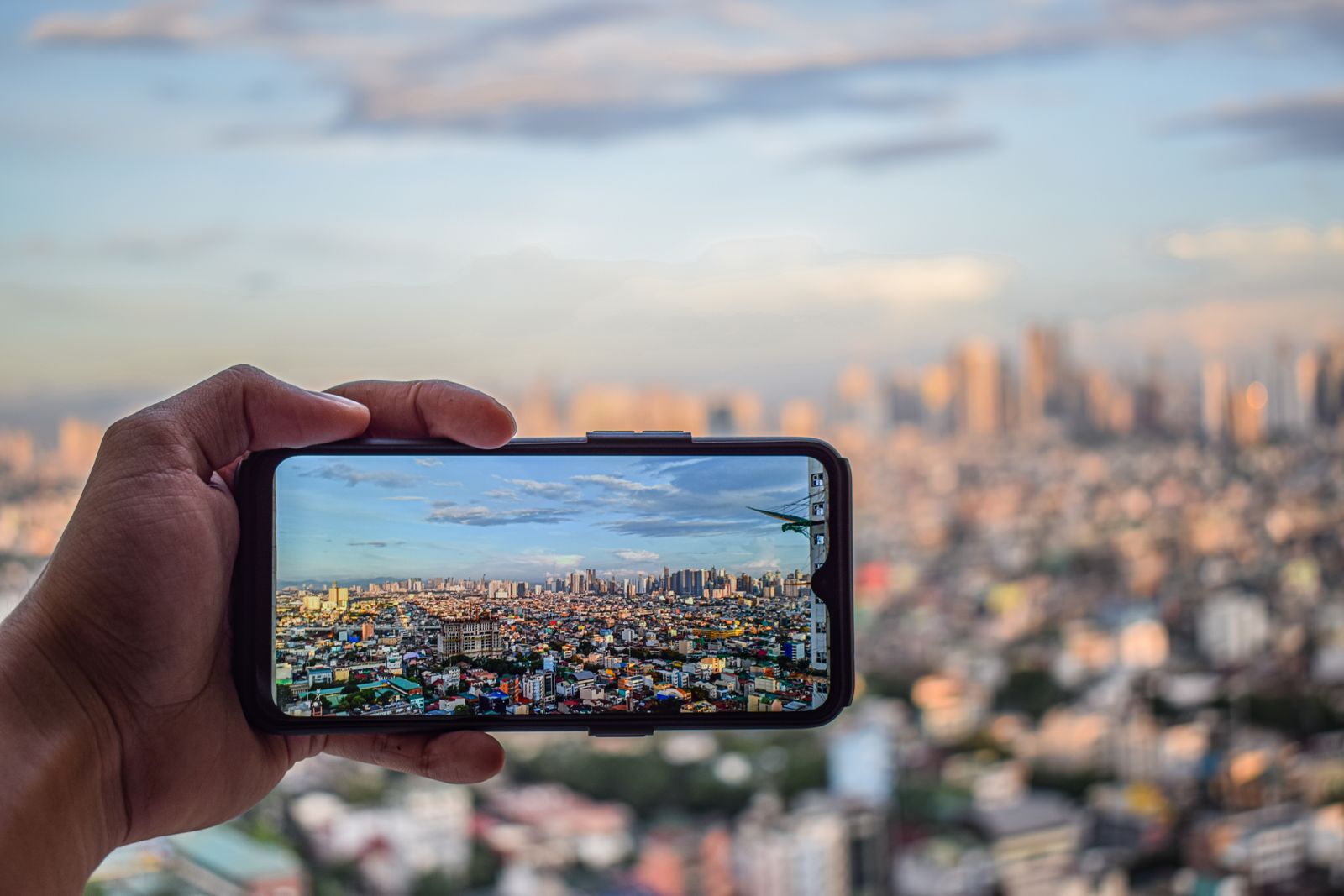
Ken Salva / Pexels · Sources ↗ · Image terms ↗
AI can infer location without GPS
Vision systems combine text on signs, plate colours, kerbs, roofs, vegetation, mountains and road markings. Popular Science described chatbots recognising a London street and the country of a sparse rural scene.
The 2024 system placed 40.4% of global street-view predictions within 25 kilometres of the true location. It was not an infallible address finder, but deleting is incomplete protection.
Inspect the background like an investigator
Zoom in and look for school or company names, house numbers, street signs, plates, tickets, badges, receipts, codes, screens and documents. Check mirrors, windows and glasses for reflections.
A high-resolution key image or travel barcode may expose sensitive details. Crop tightly, blur strongly or take a new photograph against a neutral background.
Timing also reveals information
Posting from a holiday in real time can announce that you are away. A sequence of photos can expose a route, training schedule or view from a window.
For public profiles, consider delayed posting and avoid precise home or school tags. Ask before identifying other people, especially children.
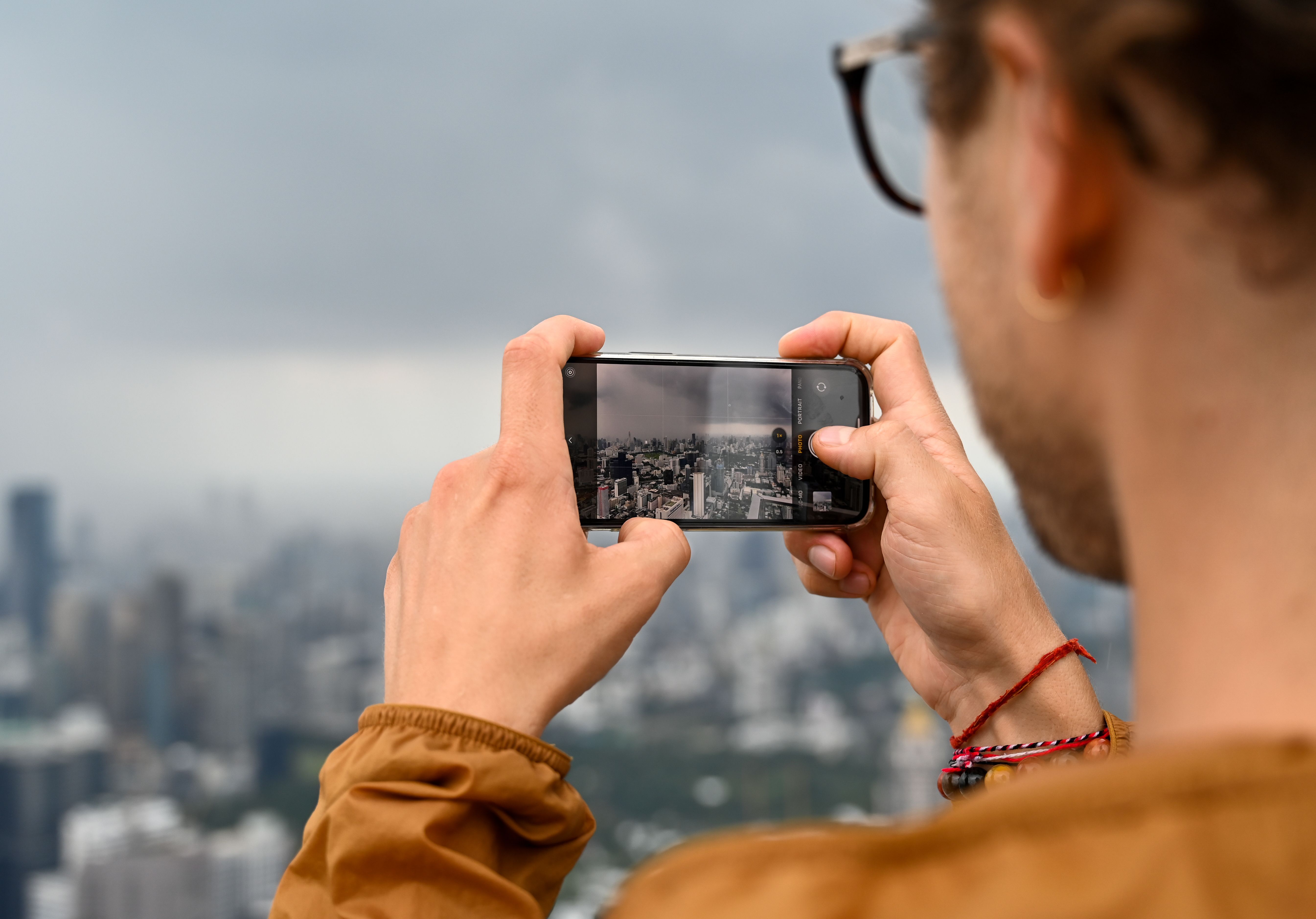
Lidya Veremcuka / Pexels · Sources ↗ · Image terms ↗
Audience controls matter
A private account reduces direct access but cannot prevent screenshots or forwarding. Use closed groups for family photographs and review followers periodically.
For a public image, choose a neutral background. Blurring helps only when it is strong and covers reflections; excluding the detail is safer.
A 30-second pre-post checklist
Ask who needs to see the image and whether it must be posted now. Check , faces, documents, screens, plates, street names, reflections and travel plans.
Imagine what a stranger could infer from this image combined with earlier posts. Digital privacy is protected by a series of small decisions.
Key terms
— information about a file, such as time, device and coordinates. — estimating where a picture was taken from or visual clues.